One client, one folder, one mission.
Your agents keep all the context.
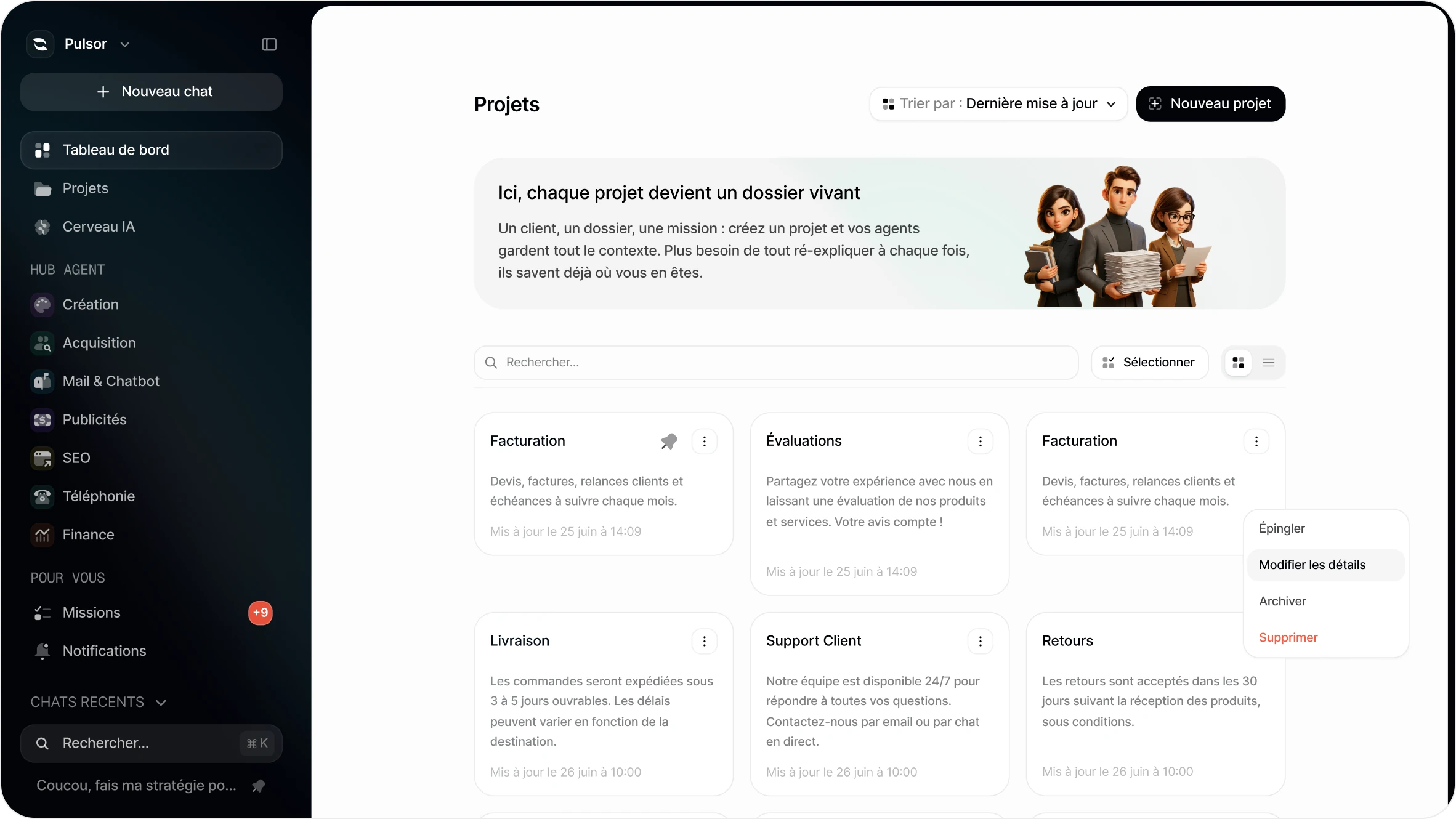
Instructions, memory, files, recurring tasks: every project becomes a living folder. No need to explain everything again, your agents already know where you stand.













THE REAL PROBLEM
You're not short on ideas.
You're short on continuity. A conversation that starts from scratch every time means time lost explaining everything again.
That's exactly what Projects solve.

Everything picks up where you left off
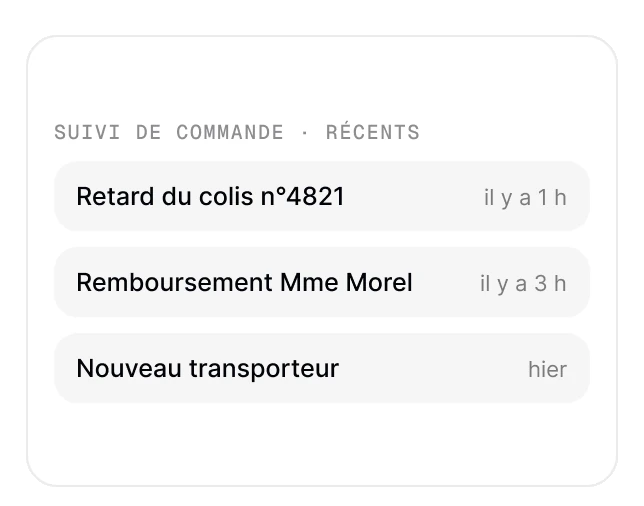
Your conversations are organized by project. You reopen the folder, your agents already have it all in mind.

Instructions per project
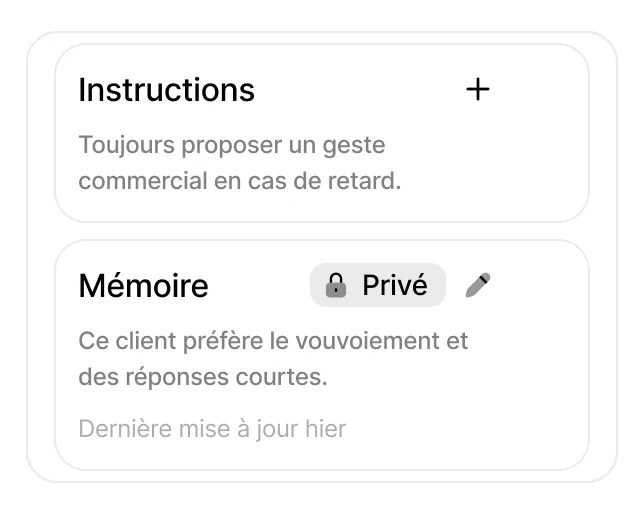
Instructions and private memory: this client wants a formal tone, that one wants short answers.

Tasks that run on their own
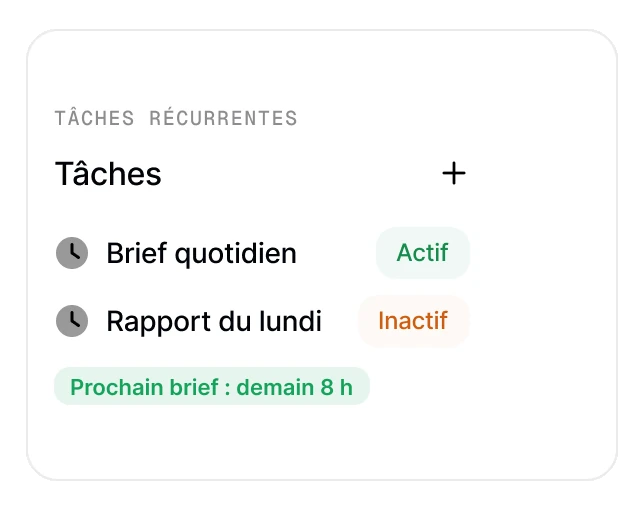
Daily brief, weekly follow-up, monthly report: you schedule, your agents execute.
Every project becomes a living folder
Billing, customer support, delivery, order tracking: one project per topic, with its conversations, files and rules. Everything in its place, nothing gets mixed up.
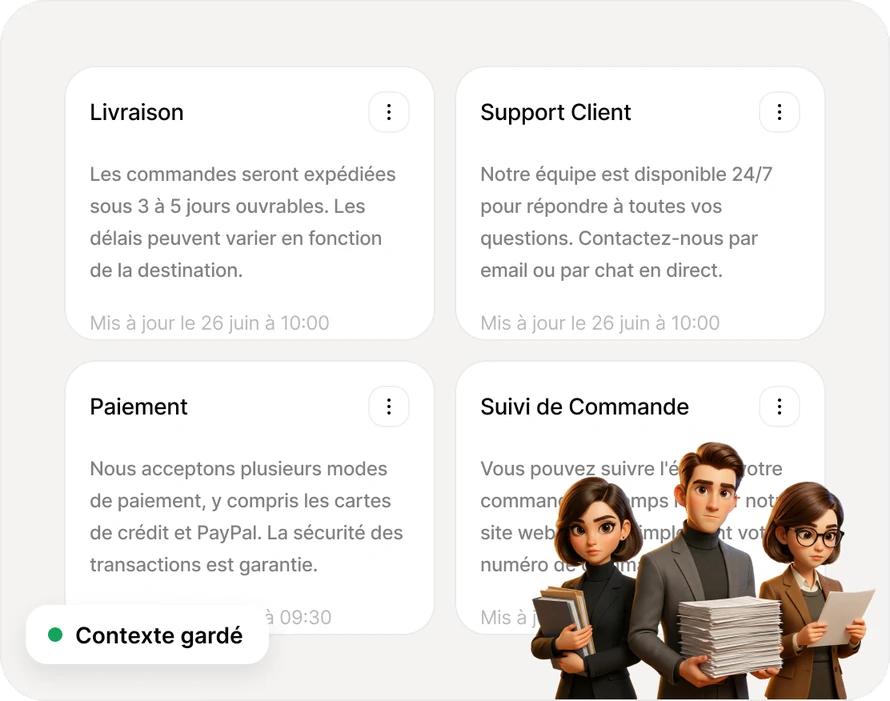
You watch your agents progress, step by step
Each task shows its progress, its results and the files used. And when a topic changes hands, one agent passes the baton to another, with all the context.
IN THIS HUB
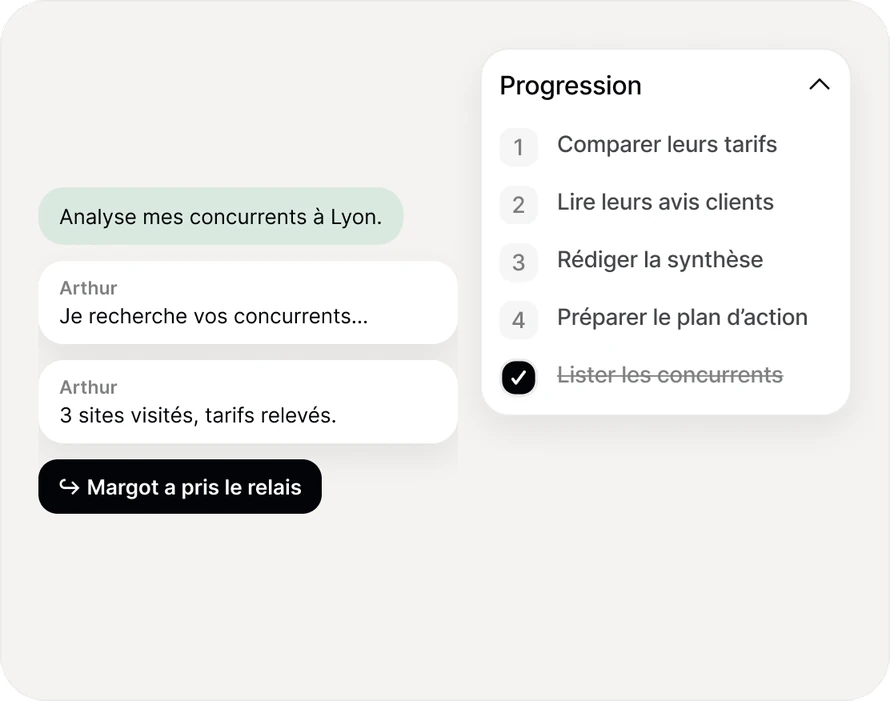
Everything a project contains
Every feature, ready to use — here are the main ones.
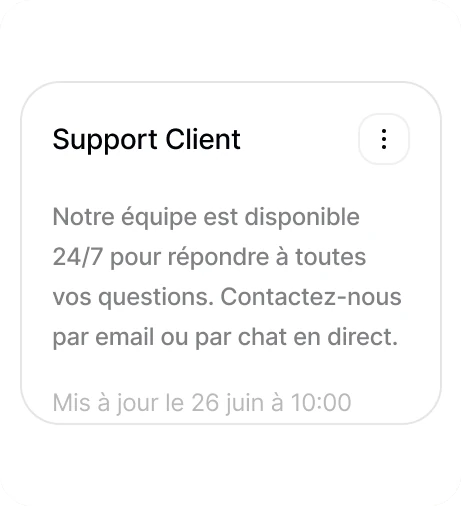
One folder per topic
A client, a mission, a theme: each gets its own project.
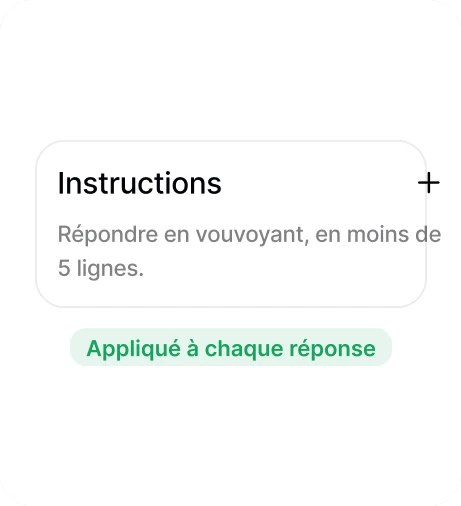
Instructions
The project's rules, applied to every answer.
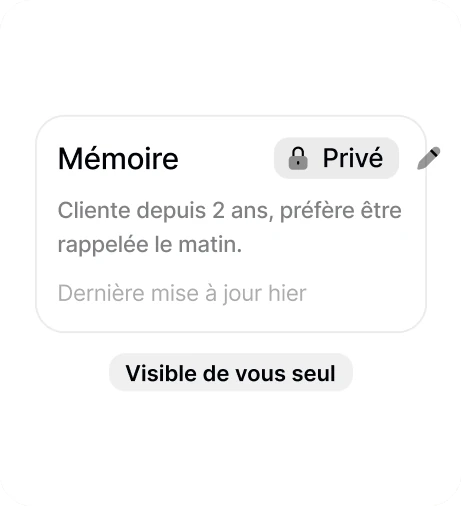
Private memory
What your agents remember about the project, visible only to you.
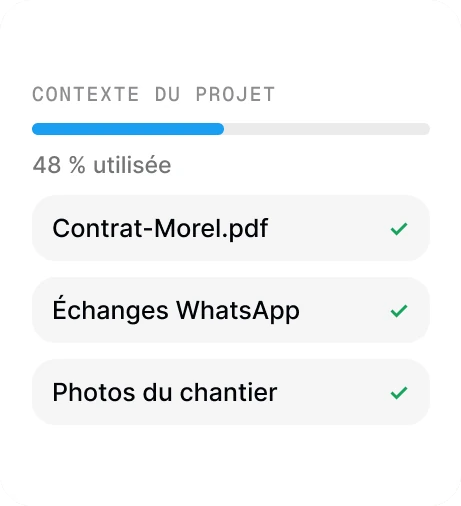
Context and files
Documents, images, notes: everything they need to know.
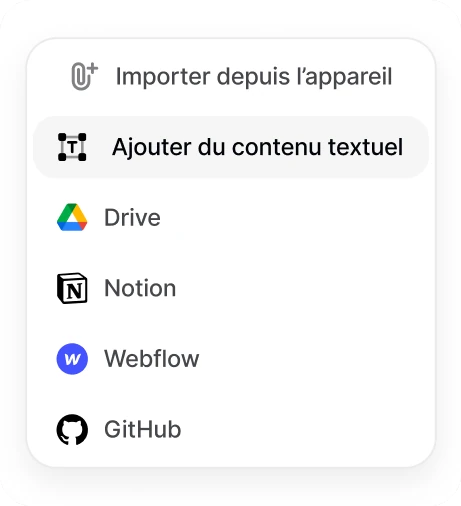
One-click imports
Drive, Notion, Webflow, GitHub or your computer.
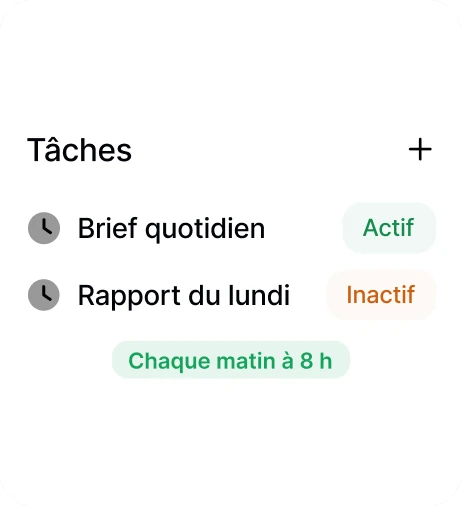
Recurring tasks
A brief every morning, a report every Monday.
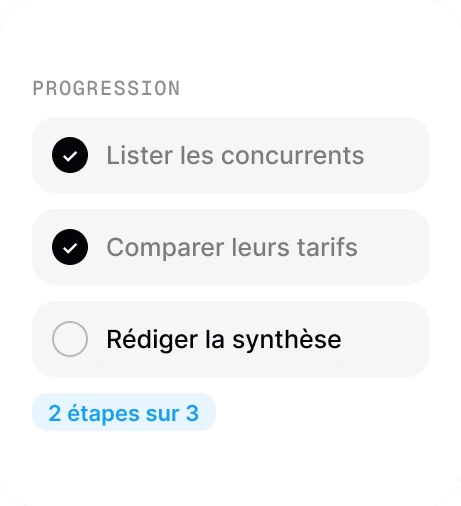
Live progress
You follow every step while the agent works.
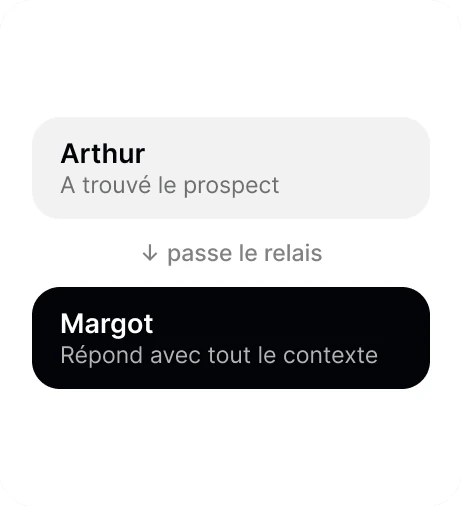
Handoffs between agents
Arthur starts, Margot finishes, nothing gets lost.
Import context from your tools
Drive, Notion, Webflow, GitHub or your computer: your files come in with one click.

Google Drive

Notion

Webflow

GitHub
How it works
01
Create a project
A name, a description. Ten seconds, nothing technical.
02
Give it context
Instructions, files, memory: everything your agents need to know.
03
Let your agents move forward
Chat, delegate, schedule tasks. The folder updates itself.
The questions we get asked.
A conversation ends when you close the window. A project keeps its instructions, memory, files and tasks: every new exchange picks up where you left off, with the same context for all your agents.
Anything that eats up time every day, Agentova can automate. By connecting your everyday tools to a team of 9 specialized AI agents, you can automate:
– Customer service: email, Instagram, WhatsApp, multichannel support
– Phone agent: automated inbound and outbound calls
– Content creation: posts, visuals, videos, campaigns
– Social media management: publishing, scheduling, engagement
– Prospecting: appointment setting on Instagram, LinkedIn, Facebook
– Lead follow-up: qualification, automatic follow-ups
– Admin: invoicing, scheduling, coordination
– And more…
Agentova integrates with over 3,000 external platforms, including the most widely used tools on the market (CRM, messaging, social media, marketing tools, accounting, etc.). Your favorite tool is almost certainly in our integrations catalog.
The security of your data is our absolute priority. Agentova applies the strictest security standards:
– GDPR compliance: full respect of European regulations
– SSL/TLS encryption: end-to-end protection
– Certifications: SOC 2 Type II, CCPA, ISO 27001
– Secure hosting: enterprise-grade cloud infrastructure
– Access control: multi-factor authentication (MFA)
Your data is never shared with third parties and remains your exclusive property.
Absolutely. Agentova works with a collaborative workspace system. Each member can have their own workspace or join an existing one to:
– Collaborate in real time
– Automate tasks as a team
– Track projects collectively
– Centralize discussions
Yes, Agentova offers a rewarding affiliate program. When you join, you earn a 15% lifetime recurring commission on every customer you refer. Every time you help a business owner get out of day-to-day operations with our team of AI agents, you get paid for the long run.
Your work deserves continuity.
Without explaining everything every time.


