The Agentova API, with Zapier and n8n
Your agents, plugged into all your tools.
Agentova already connects to nearly 3,000 apps. With the API, Zapier and n8n, you can also plug your agents into 7,000+ more apps, your in-house CRM or your own app.
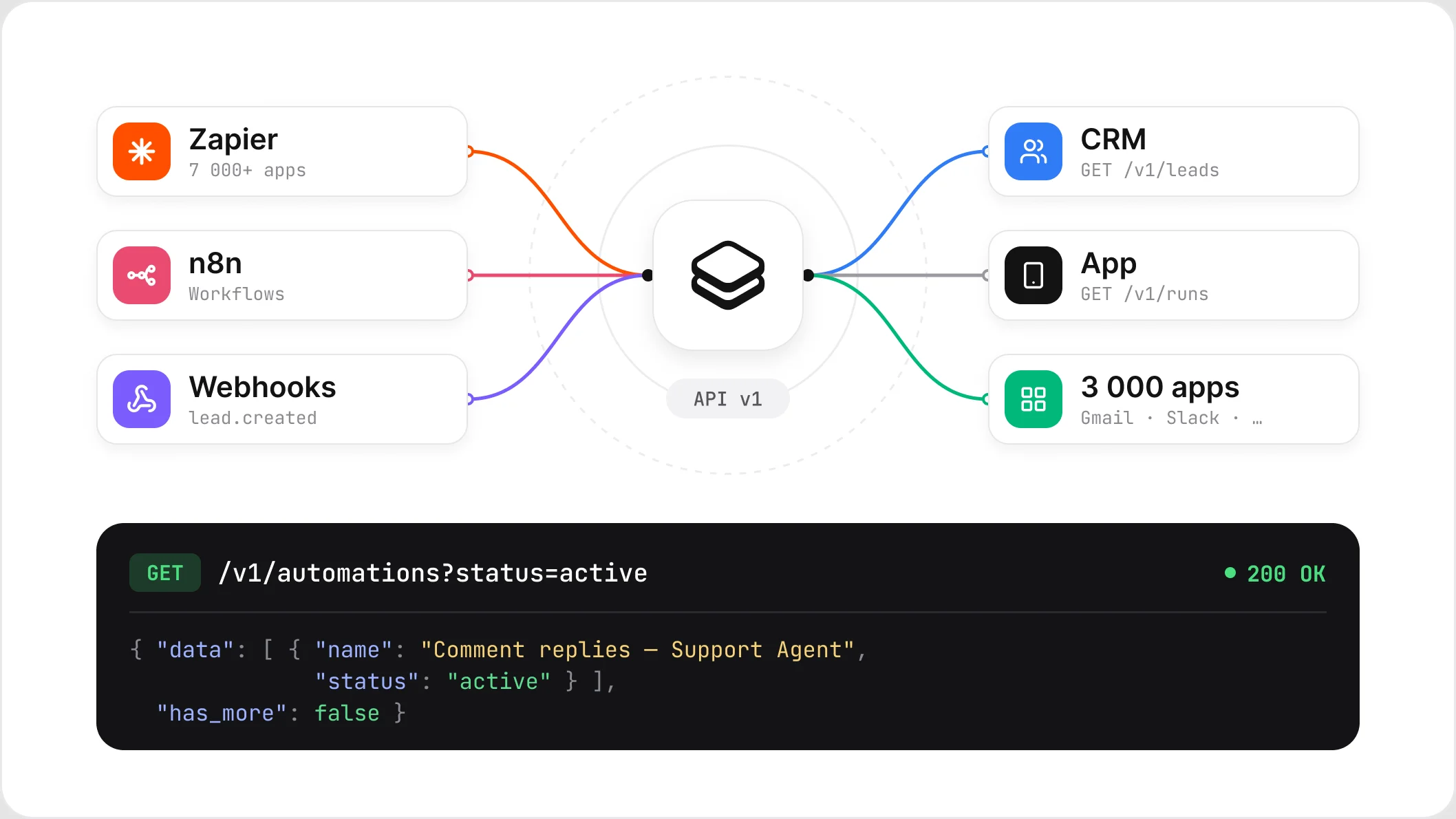













WHAT THE API DOES
Your Agentova data, in your tools
A single API key gives access to your whole workspace.
Automations
List them, filter them by status, type or agent, and read each one in detail.
Leads
Every lead captured by your chatbot, Lead Ads forms, phone agent, social media or CRM.
Runs
What each automation did, action by action, with its result. Kept for 90 days.
Pause and resume
Pause or resume an automation in a single call.
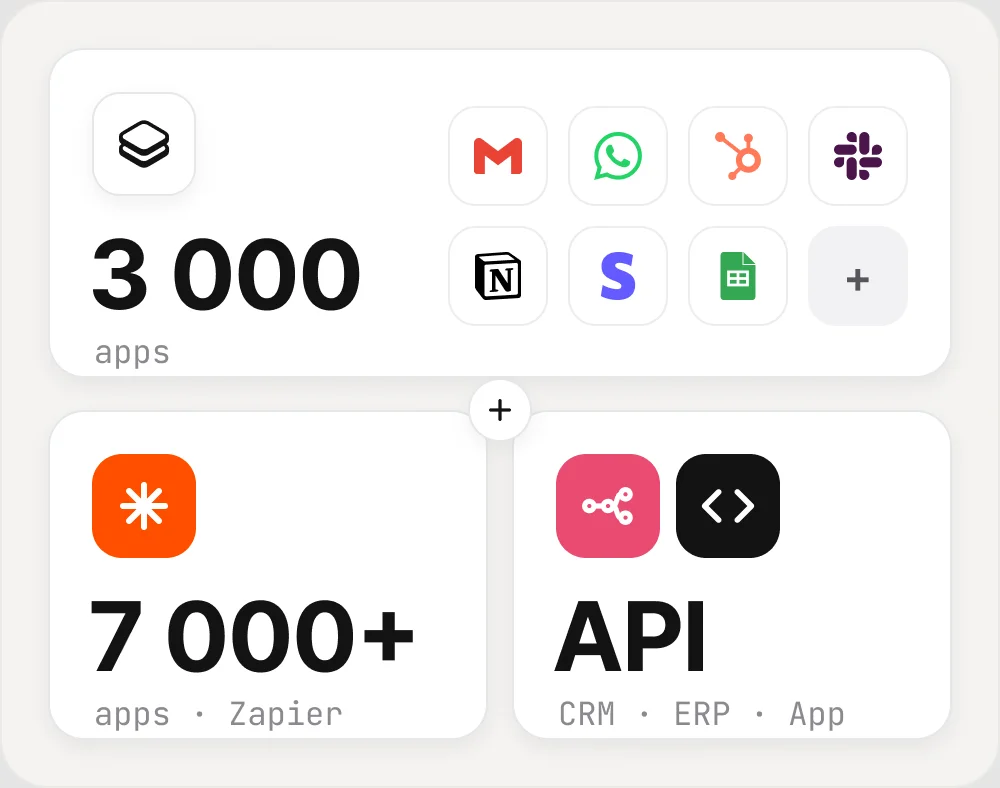
Nearly 3,000 integrations, and 7,000+ more with Zapier
Gmail, WhatsApp, HubSpot, Slack, Notion: Agentova already connects to nearly 3,000 apps, no code needed. For everything else, your in-house CRM, your ERP or your own app, the API, Zapier and n8n bridge the gap.
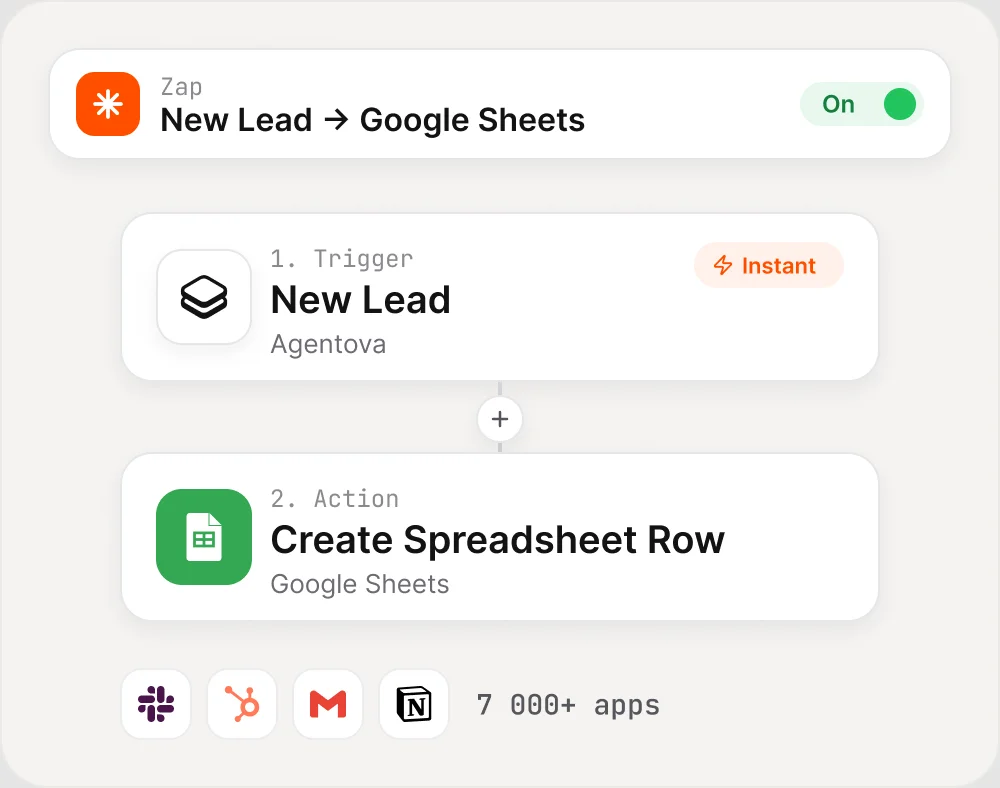
Agentova and Zapier: your agents in 7,000+ apps
A Zap starts as soon as a lead comes in, a run completes or an automation changes status. From a Zap, you can also pause or resume an automation. The app is invite-only for now while Zapier reviews it: ask us for your link.
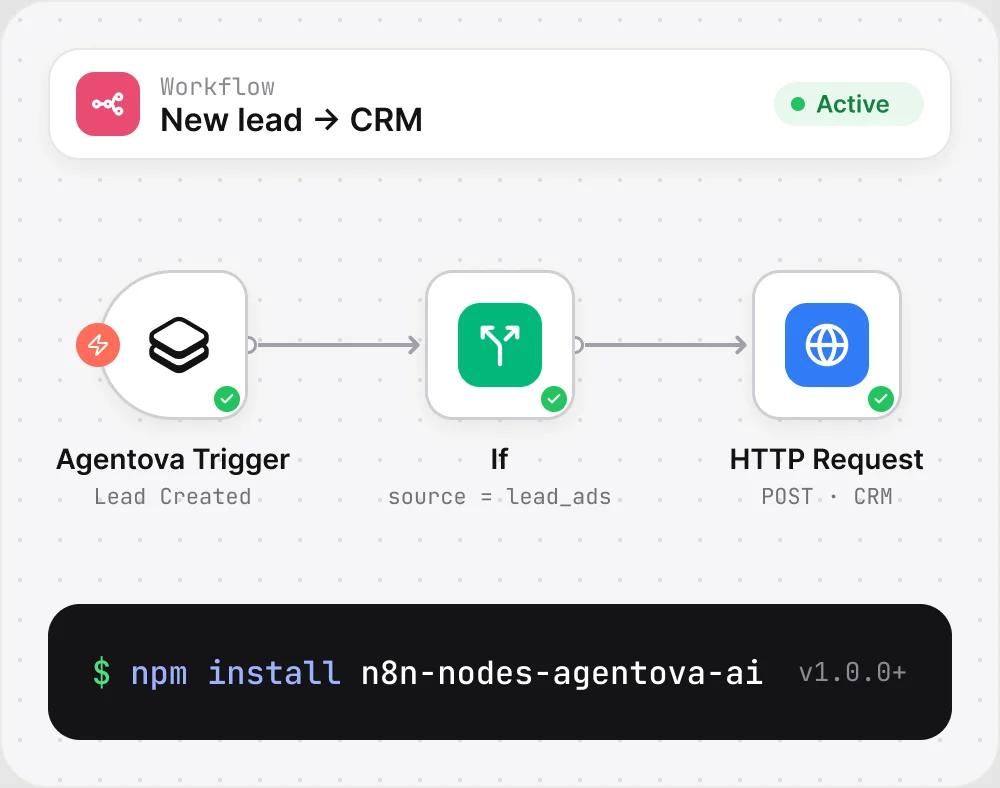
Agentova and n8n: the node for your workflows
The Agentova node lists, reads, activates and pauses your automations; Agentova Trigger starts a workflow on every new lead, completed run or status change. Install it on a self-hosted n8n with the npm package n8n-nodes-agentova-ai.
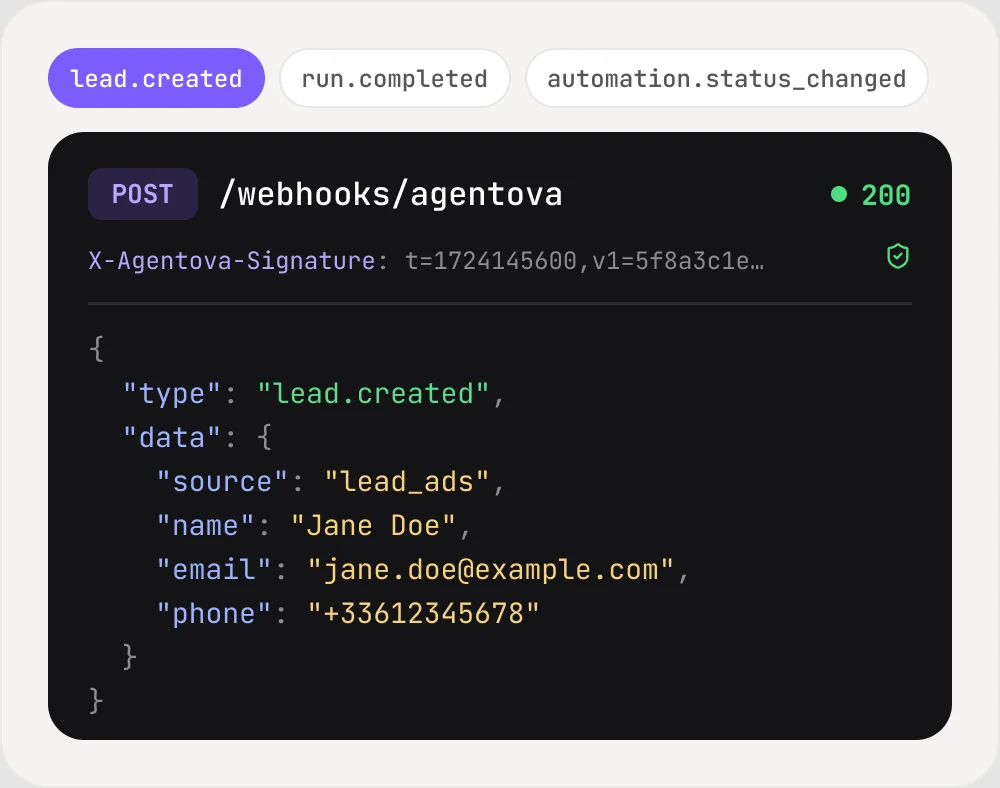
Webhooks: get notified in real time
Subscribe an HTTPS URL to the lead.created, run.completed and automation.status_changed events. Every delivery is signed, so you can check it really comes from Agentova before sending it to your CRM or app.
Get started in three steps
01
Create an API key
In Agentova, open Settings, then API, and create a key. It is shown only once.
02
Make your first call
List your active automations in one request, from your server.
03
Receive your webhooks
Subscribe your URL to the events you want and verify the signature of every delivery.
Your agents do the work.
Your tools keep up.



